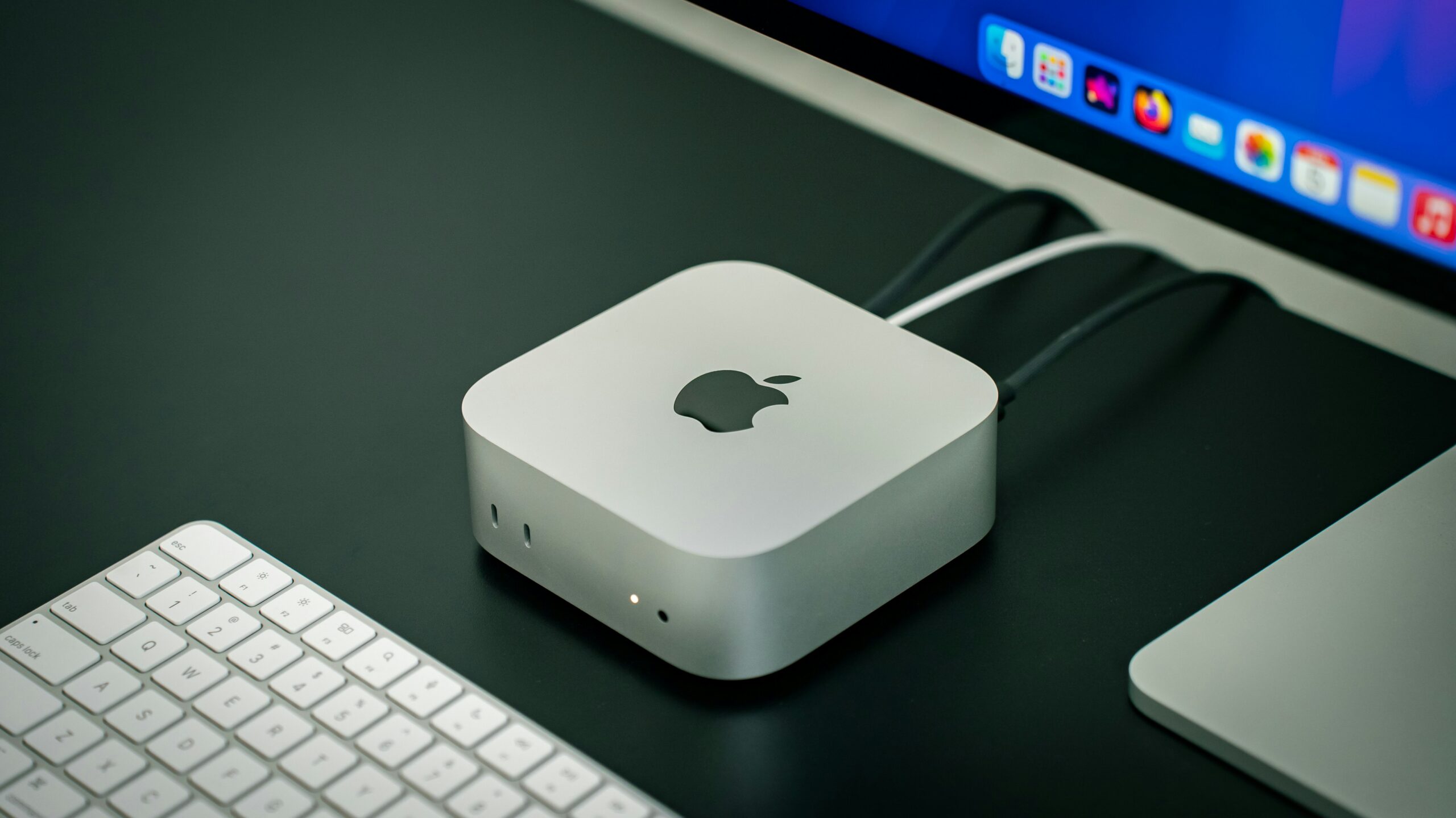
The Mac mini is the most overlooked Mac on the shelf. Everyone shops MacBooks. But if your computer lives on a desk, the mini is quietly the best-value Apple computer you can buy — and at around R13,000, it’s the cheapest way into a brand-new Mac by some distance.
Here’s an honest look at when it’s the right choice, and when it isn’t.
The short answer
Buy a Mac mini if your computer stays on a desk, you have (or don’t mind buying) a monitor, keyboard and mouse, and you want maximum performance per rand. Skip it if you need to work from couches, coffee shops or client offices — that’s MacBook territory, no contest.
Why the Mac mini makes so much sense
It’s the cheapest Mac desktop, and the most power per rand. The M4 Mac mini starts at around R13,000 — we’ve seen it from roughly R12,000 on special to R13,999 at the upper end. Only the MacBook Neo (R11,999) costs less, and that’s a laptop running a phone-class A18 Pro chip. Among M-series machines — the proper Mac performance tier — nothing gets you a current-generation chip for less. Compare that to the cheapest M5 MacBook Air at around R20,000 and the 24″ iMac at over R27,000. Compare today’s Mac mini prices →
16GB RAM is now standard. Apple dropped the 8GB base configuration with the M4 generation, so every Mac mini ships with at least 16GB of unified memory. That used to be a R2,000+ upgrade and the single biggest “gotcha” for budget Mac buyers. It’s gone. The base model is genuinely usable for years without the usual spec anxiety.
The M4 chip is seriously quick. This is the same chip family Apple put in its recent MacBooks, and in the mini it runs without battery or thermal compromises. Photo editing, 4K video work, music production, software development, big spreadsheets — the base M4 handles all of it comfortably. If you push heavier workloads (lots of video tracks, 3D, machine learning), there’s an M4 Pro version, but most people won’t need it.
It’s tiny. The current mini measures just 12.7cm square — roughly the footprint of a CD case. It tucks under a monitor, behind a screen, or onto a shelf. For a desk in a bedroom corner or a shared space, that matters.
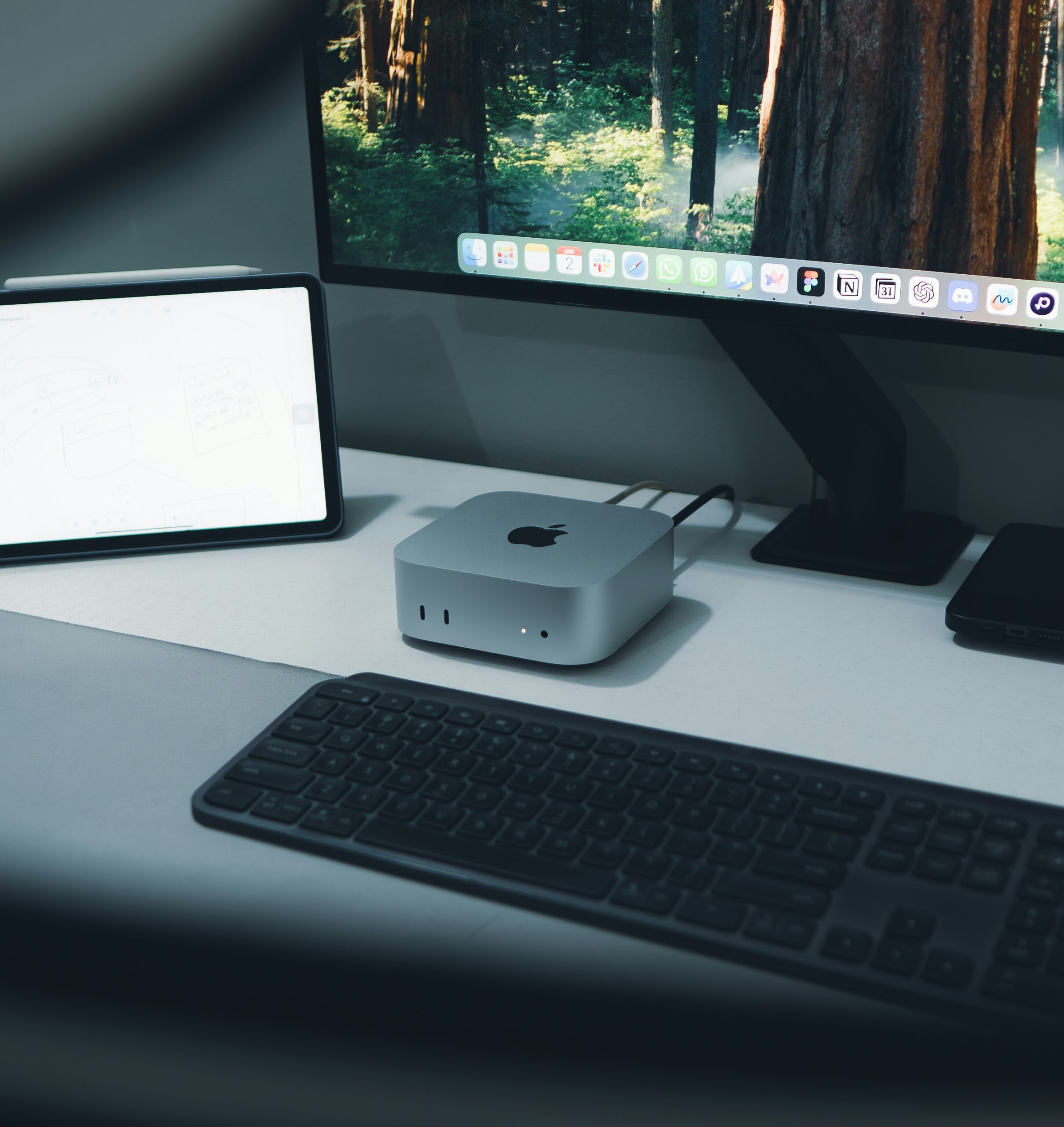
Ports, including on the front. You get three Thunderbolt/USB-C ports, HDMI and Gigabit Ethernet on the back, plus two USB-C ports and a headphone jack on the front — a small thing that’s genuinely convenient for plugging in drives and accessories. One honest caveat: there are no USB-A ports. If you have older flash drives, a wired mouse or a printer with the classic rectangular USB plug, budget a R150–R300 adapter or hub.
It sips power. A Mac mini draws a fraction of the power of a typical desktop tower, which matters when the lights go out. On a UPS or inverter, the mini plus a modest monitor will run far longer than a conventional PC. It’s probably the most load-shedding-friendly desktop you can buy.
When the Mac mini is the wrong choice
You need portability. This is the dealbreaker. The mini doesn’t move. If you work between home, office and coffee shops — or even just want to take your machine to the lounge — get a MacBook Air and pay the premium for the screen, keyboard, trackpad and battery it includes.
You don’t own a monitor, keyboard or mouse. The R13,000 sticker assumes you bring your own peripherals. If you’re starting from zero, add roughly R2,500–R4,000 for a decent 27″ monitor and R1,000–R2,500 for a keyboard and mouse. That total still usually undercuts a MacBook Air — but it’s no longer a knockout, so do the full sum before deciding. (And no, you don’t need Apple’s own keyboard and mouse — any USB or Bluetooth set works.)
You want one clean box. Some people just prefer a single device with no cables and no decisions. That’s what the iMac and MacBooks are for, and it’s a fair preference — you pay for the tidiness.
Which configuration should you buy?
RAM: The standard 16GB suits most people for the life of the machine. Go 24GB+ only if you run heavy multitasking — multiple pro apps, virtual machines, big video projects.
Storage: This is where to think carefully. The base 256GB SSD fills up fast if you keep photo or video libraries locally — and uncapped fibre or not, leaning entirely on cloud storage gets old quickly. Either pay for 512GB upfront, or do what many mini owners do: buy the base model and add a fast external SSD via Thunderbolt later. External storage is much cheaper per gigabyte than Apple’s upgrade pricing.
M4 vs M4 Pro: Base M4 for almost everyone. M4 Pro (from around R29,000) only if your work is genuinely heavy — colour grading, large code builds, 3D rendering. One reality check, though: the M4 Pro mini is rarely sitting on local shelves. Most retailers either show it out of stock or take it as a special order with a one-to-two-week wait, so if you want one, expect to pre-order rather than walk out with it. The base M4 is widely stocked everywhere.
One quirky detail: the power button is on the bottom of the machine. You’ll roll your eyes the first time. You’ll stop noticing within a week.
How it compares
vs MacBook Air: The Air costs R5,000+ more for the same class of performance, and that premium buys portability, a built-in screen and a battery. If you’ll use that mobility weekly, it’s worth it. If your laptop would live docked to a monitor anyway, you’re paying for hardware you barely use — buy the mini.
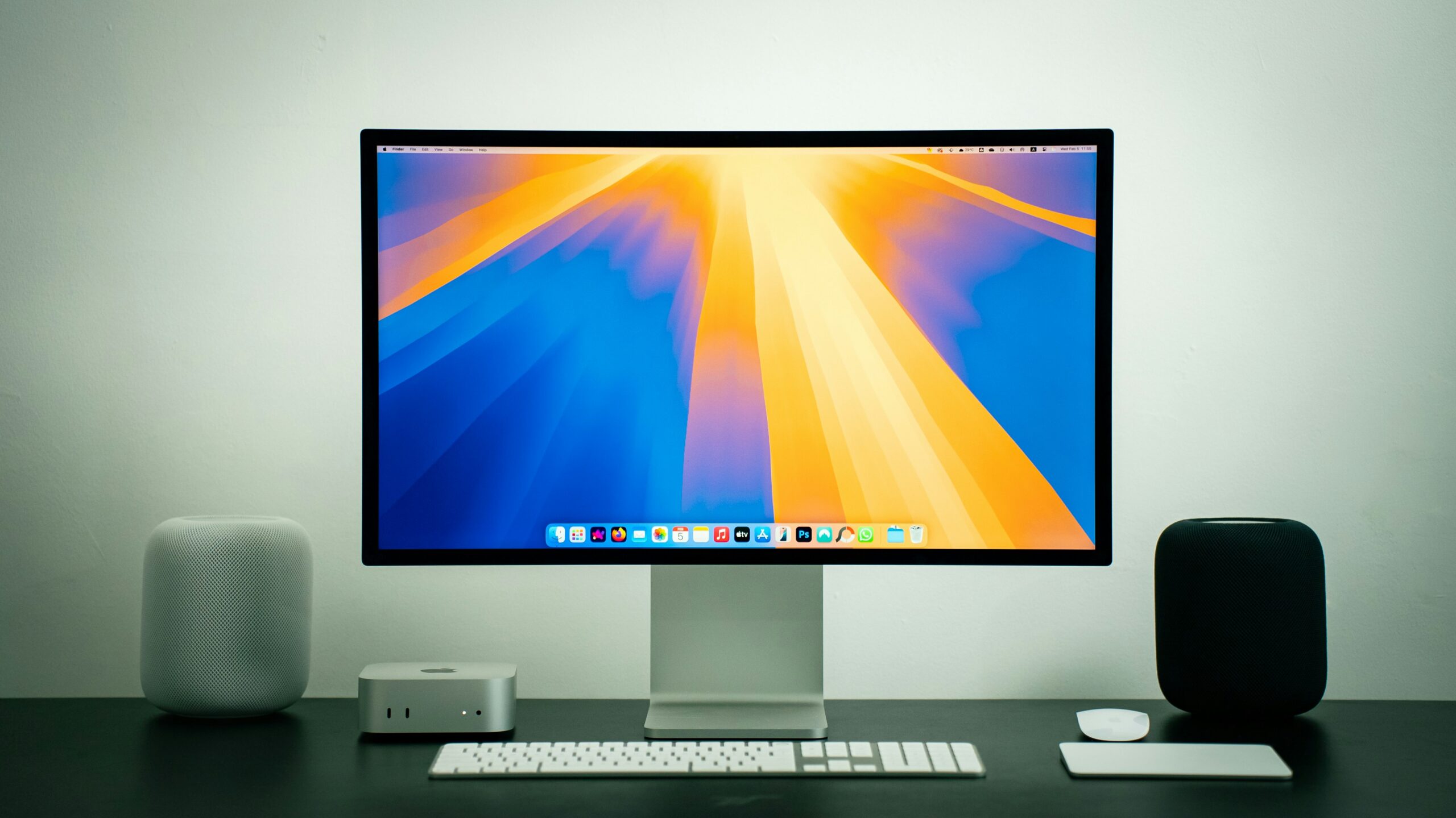
vs iMac: The 24″ iMac is a beautiful all-in-one, but it costs more than double the mini. The mini plus a good third-party 27″ monitor is dramatically cheaper, gives you a bigger screen, and lets you upgrade or replace the computer and display independently down the line.
vs iPad: Different product. An iPad is brilliant for media, notes and light work, but it isn’t a desktop replacement for coding, serious photo editing or heavy document work. Don’t buy an iPad as a “cheap Mac” — you’ll end up owning both.
Where to buy it
Mac mini pricing varies more between retailers than you’d expect — we’ve seen gaps of R1,000+ on the identical configuration, and stock comes and goes. Before you buy:
- Check current Mac mini prices on TechHunter → — we line up the same model across trusted retailers so you can see who’s cheapest today.
- Sign up for price drop alerts → — we’ll email you when the mini gets cheaper, so you can time your purchase instead of guessing.
Still weighing the mini against a laptop? Read our companion guide: Which MacBook should you buy? (2026)
The bottom line
For anyone with a desk, the M4 Mac mini is one of the best values in Apple’s entire lineup: real M-series performance, 16GB RAM standard, a tiny footprint, low power draw, and a price around R13,000 that only the phone-chipped MacBook Neo undercuts.
If that trade-off fits your life, don’t overthink it. Just don’t pay more than you have to: compare prices first.
Prices checked June 2026 and can change at any time — always confirm the final price with the retailer before buying.