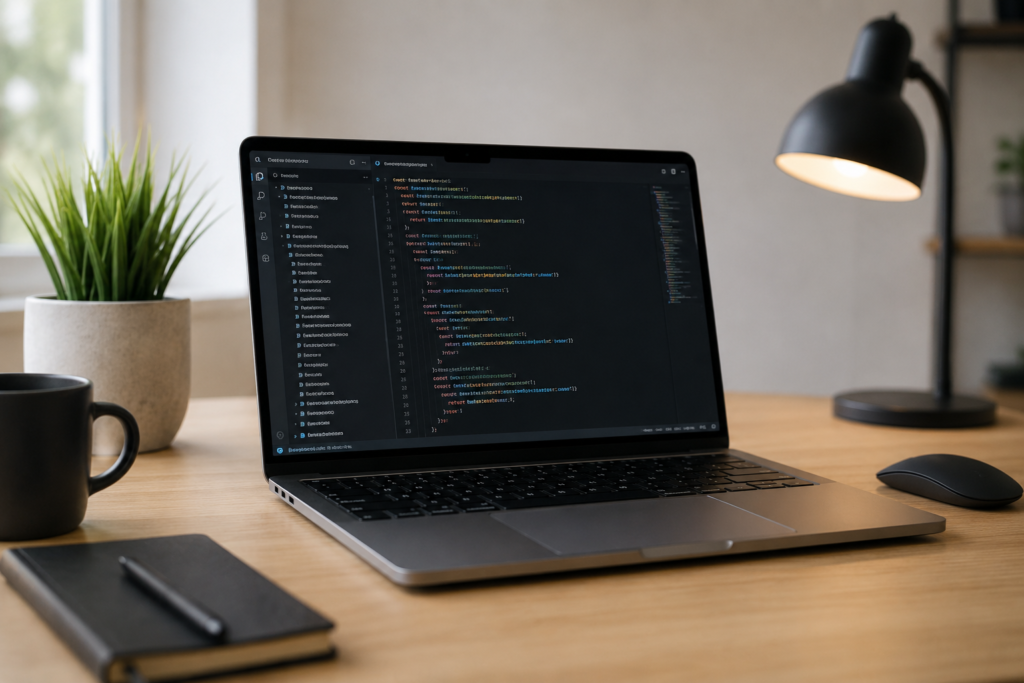
If you’re a developer trying to decide between an M4 and an M5 Mac, you’ve probably already noticed the internet isn’t much help — half the reviews are shot on a 4K timeline in Final Cut Pro, and the other half assume you’re training AI models all day. Neither is you.
So here’s the honest, no-fluff version for people who actually write code for a living (or are learning to): the chip generation matters less than you’d think. RAM matters more than almost anything else.
The short answer
For most development work — web, mobile, backend APIs, a handful of Docker containers — either chip is genuinely fine. The real-world difference between M4 and M5 in things like Xcode builds is roughly 10–20% faster on M5. Noticeable if you’re staring at a progress bar fifty times a day, but not the difference between “usable” and “unusable.”
What actually changes your day-to-day experience is RAM, not the chip label. Running low on memory is what makes a Mac feel sluggish — swapping to disk, laggy app switching, builds that crawl. A slower chip with enough RAM will feel better to use than a faster chip that’s constantly under memory pressure.
What each chip is actually good for
M4 is still a completely capable dev machine in 2026. If you’re doing:
- Web development (React, Next.js, Vue, etc.)
- Mobile app development (moderate-sized projects)
- Backend work in Go, Rust, Python, Node
- A few Docker containers at a time
- Learning to code, bootcamp work, personal projects
…the M4 will not hold you back. It’s also usually the cheaper option, which matters if you’re buying with your own money rather than expensing it.
M5 is the better pick if:
- You compile large codebases often and actually feel the wait
- You run heavier Docker/Kubernetes setups with several containers simultaneously
- You do any local AI/ML work (the Neural Engine gains here are the most meaningful part of the M5 upgrade)
- You want the machine to feel comfortable for longer before you’re tempted to upgrade again
The RAM question (this is the one that actually matters)
Here’s a rough guide based on real dev workflows, not marketing specs:
- 16GB — fine for a single project, one code editor, a browser, and light Docker use. Comfortable for students, junior devs, and web/mobile work that isn’t running five services at once.
- 24GB — the sensible sweet spot for full-stack development. This gives you headroom to run your IDE, a database container, a backend service, and a browser with the usual dozen tabs, without swapping to disk.
- 32GB+ — only worth the extra spend if you’re regularly running multiple heavy services simultaneously, doing local AI/ML work, or you know your current setup already chokes on memory.
If you’re choosing between spending extra on the newer chip or spending it on more RAM, put the money into RAM first. It’ll make a bigger difference to how the machine actually feels to use every day.
Air or Pro for coding?
Contrary to what you might expect, you don’t need a MacBook Pro to code comfortably. Typical development work is “bursty” rather than sustained — you compile, you wait a few seconds, you keep typing. That’s exactly the kind of workload the fanless MacBook Air handles well.
The Pro earns its price with active cooling, which mainly matters if you’re doing sustained heavy work — long training runs, back-to-back large builds, or heavy multitasking for hours on end without a break. If that’s not your daily reality, the Air with more RAM is usually the smarter buy than a base Pro with less.
Our honest take
If you’re a South African dev trying to stretch your budget: an M4 Air with 24GB RAM will comfortably handle the vast majority of professional development work, and you’ll likely save enough over an M5 Pro to make it a no-brainer.
If you’ve got a bit more to spend and want the machine to stay comfortable for years, or you do genuinely heavy compiling/Docker work daily: go M5, and still prioritise 24GB RAM over chasing the fastest chip variant.
Either way — don’t buy 16GB if you’re doing real development work, and don’t pay extra for a chip generation bump before you’ve maxed out the RAM you actually need.
Want to compare live prices on the models mentioned here? Check our MacBook Air and MacBook Pro price pages for the current cheapest retailer on each configuration.