By The TechHunter / July 11, 2026

If you’re setting up a new Mac, you’ve probably noticed that Apple’s own mouse and keyboard aren’t cheap — and you’re wondering if you actually need them, or if any Bluetooth mouse and keyboard from Takealot will do the job just as well.
Here’s the honest answer: for most people, a normal one is genuinely fine. But there are two specific things Apple’s accessories do that nothing else can — and whether those matter to you is really the whole decision.
The short answer
Any Bluetooth mouse or keyboard will pair with a Mac without any fuss — this isn’t an iPhone-charger situation where you’re locked into Apple’s ecosystem. So if you’re buying on a budget, you’re not making a mistake by skipping the Magic Mouse and Magic Keyboard.
The two things you’d be giving up are:
- Touch ID, on the keyboard — instant login and Apple Pay-style authentication with a fingerprint. No third-party keyboard can do this; Apple keeps that feature locked to its own hardware.
- The gesture surface on the Magic Mouse — swipe between full-screen apps, pinch to zoom, that kind of thing. It’s the same trackpad-style gestures you’d use on a MacBook, just on a mouse. No other mouse brand replicates this.
If neither of those appeals to you, you can save real money and get a better experience elsewhere.
Where Apple’s accessories genuinely win
Touch ID on the Magic Keyboard is the standout feature, and it’s hard to replace once you’re used to it — unlocking your Mac, approving purchases, and confirming your password with a fingerprint instead of typing it out. If that convenience matters to you daily, this is the one feature worth paying extra for.
The Magic Mouse’s gestures are a genuine “you either use them constantly or never notice they’re missing” feature. If you’re someone who already swipes between spaces and apps on a trackpad, losing that on your desktop mouse can feel like a step backward.
They just look the part and match your Mac’s finish — not a functional advantage, but not nothing either if your desk setup matters to you.

Where a normal mouse or keyboard wins
This is where independent reviewers are fairly blunt, and we’d rather be honest with you than oversell Apple’s gear: by most accounts, third-party options actually offer a better day-to-day experience for typing feel and mouse ergonomics.
- Typing feel — mechanical and higher-end membrane keyboards from brands like Logitech or Keychron are generally considered more comfortable for long typing sessions, with more choice in how the keys feel.
- Mouse ergonomics — the Magic Mouse’s flat, low profile is a common complaint for anyone using it for hours at a time. Shaped mice from other brands are usually easier on the wrist.
- Charging while in use — the Magic Mouse’s charging port is on the underside, so you can’t use it while it charges. Most third-party mice charge from the side or back, so you’re not stuck waiting.
- Price — plenty of well-reviewed alternatives cost less than Apple’s own accessories, sometimes significantly so.
Our honest take
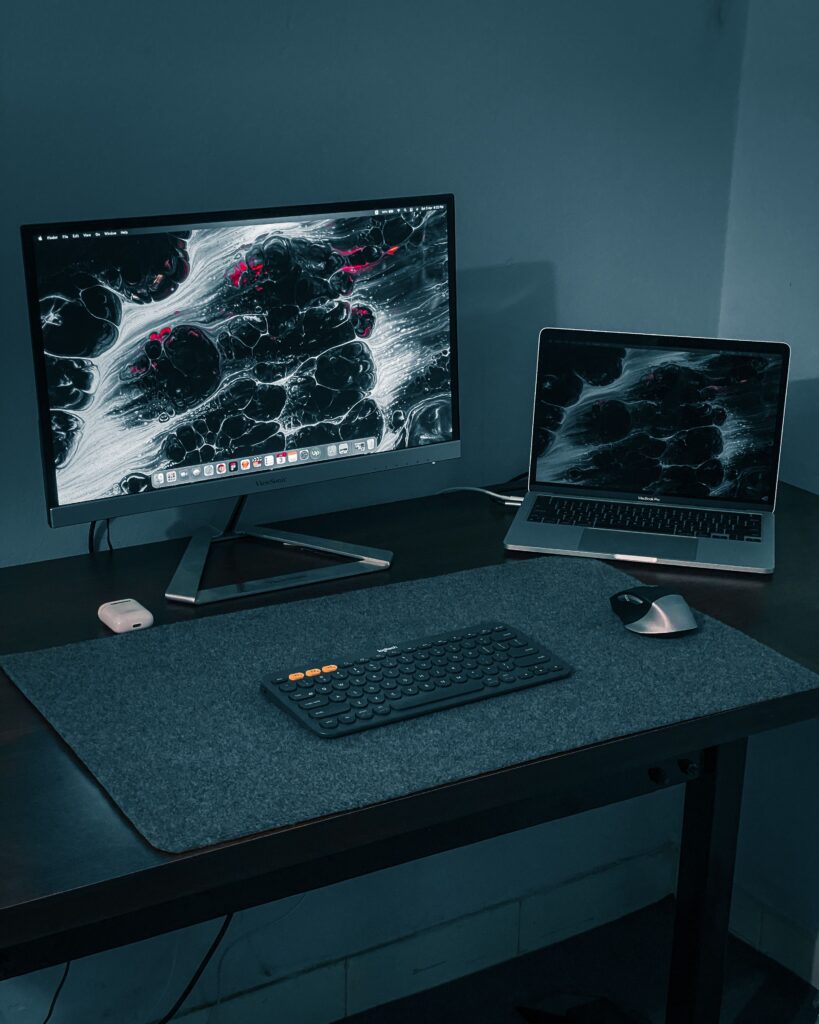
If Touch ID or the Magic Mouse’s gesture surface genuinely appeals to you, buy Apple’s own — there’s no substitute for either. But if you’re a beginner just setting up your first Mac and trying to keep costs down, a normal Bluetooth mouse and keyboard will serve you perfectly well, and by most accounts, will be more comfortable to use every day besides.
There’s no wrong choice here — just know what you’re actually paying the premium for before you decide.
Comparing prices on Apple’s own Magic Mouse and Magic Keyboard? Check our Apple Accessories page for the current cheapest retailer on each.