M4 vs M5 Macs Explained: Is the New Chip Actually Worth Paying More For?
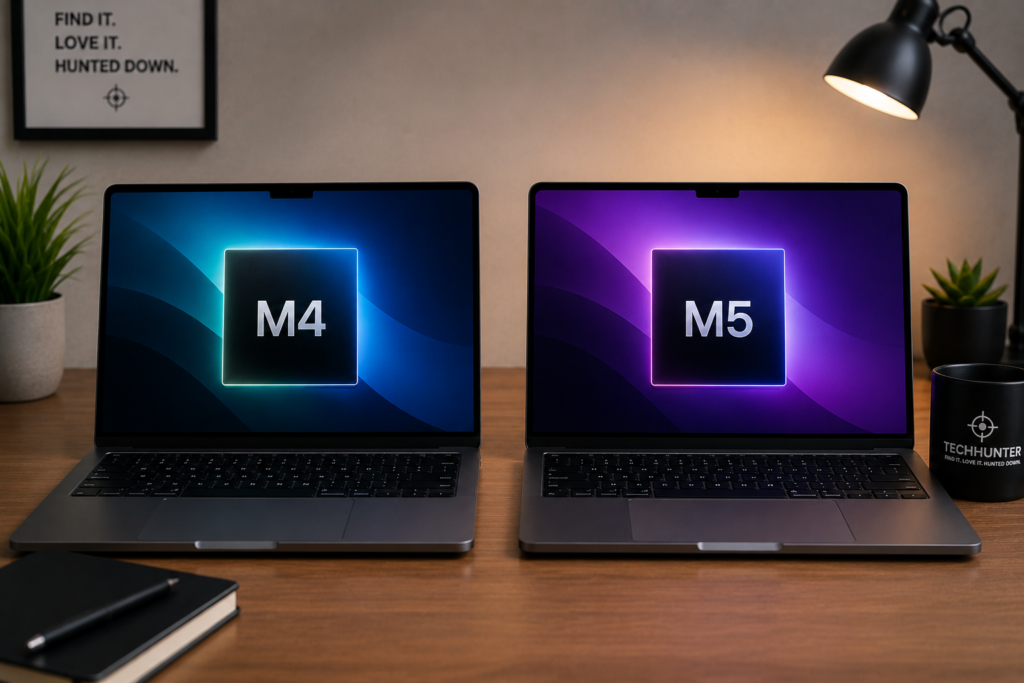
If you’re shopping for a Mac in South Africa right now, you’ve probably hit something confusing: some Macs use Apple’s newer M5 chip, others still use the M4 — and the price gap can be thousands of rand.
So the obvious question is: should you pay more for an M5, or save your money and grab an M4?
The honest short answer: for most people, an M4 Mac is still excellent — the M5 is faster, but not in a way that changes your everyday experience. But there’s a twist in 2026 that flips the usual “newer = pricier” logic, and it matters. Let’s break it down properly.
What are the M4 and M5 chips?
The M4 and M5 are Apple’s own processors — think of the chip as the engine inside the Mac. The M5 is the newer generation, and on paper it improves on the M4 in a few areas. But specs don’t tell the whole story, so the real question is whether you’ll actually notice the difference. For most people, the answer is no — and we’ll explain exactly when it’s yes.
What does the M5 actually do better?
Here’s where it pays to be precise, because the M5’s gains aren’t evenly spread:
- Raw CPU speed: only a modest jump. The M5 is roughly 15% faster than the M4 for general multi-core tasks. That’s real, but small — it’s not something you’d feel opening apps or working in Office.
- Graphics and AI: a big leap. This is where the M5 genuinely pulls ahead. Apple built a new GPU with AI accelerators in every core, giving it several times the AI processing power of the M4 and up to ~45% better performance in graphics-heavy, ray-traced apps.
- Better efficiency and memory bandwidth, which helps with demanding creative work.
So the headline is: the M5’s everyday speed advantage is small, but its graphics and AI advantage is large. Which of those matters depends entirely on what you do.
Who actually benefits from the M5?
The M5’s strengths show up in specific, demanding workloads. You’ll feel the difference if you:
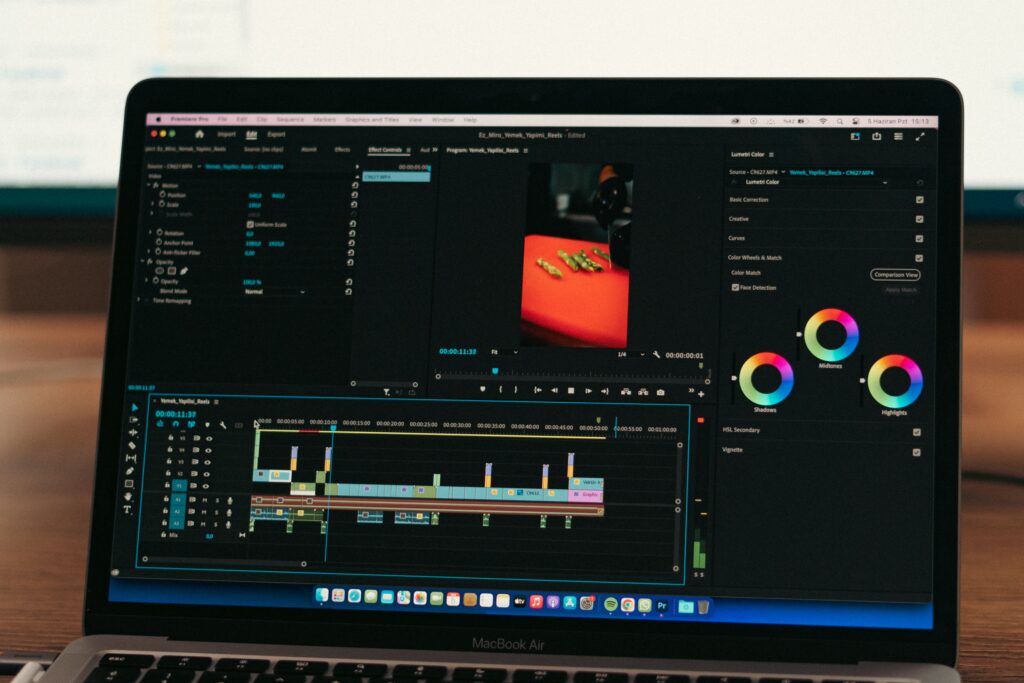
- Edit large video projects or work with professional photography
- Run AI tools locally (image generation, local language models)
- Do 3D, rendering or ray-traced graphics work
- Run virtual machines or compile large software projects
- Drive high-resolution external displays (8K, or 4K at very high refresh rates)
If you earn money using your Mac for any of the above, the extra performance can genuinely save you time — and time is money.
What about everyday users?
This is where most people land. If your typical day is:
- Microsoft Office, email and Google Chrome
- Zoom meetings
- YouTube and Netflix
- University or school work
- Online banking and general browsing
…then you almost certainly won’t notice the difference between an M4 and an M5. Both chips are wildly overpowered for these tasks — most people genuinely couldn’t tell them apart in everyday use. This is exactly why we always tell buyers to focus on value, not on chasing the newest chip. (If you’re still deciding on a model, our guide to which MacBook to buy walks you through it.)
Battery life
Both M4 and M5 Macs have excellent battery life — among the best of any laptop you can buy. Apple improves efficiency each generation, but the gap isn’t dramatic enough to be your deciding factor. Don’t choose between them on battery alone.
The real question: how much more are you actually paying?
Here’s the part that’s changed — and where the old “newer chip costs more” assumption can mislead you.
Sometimes the M5 model costs only a little more than the M4 — and crucially, it often ships with double the storage. When that’s the case, the M5 can actually be the better-value buy, even though it’s the newer chip. Other times the M5 carries a real premium for specs you won’t use.
So the rule isn’t “M4 to save money, M5 to spend more.” The rule is: compare the actual prices and what each one includes, then decide. A real example from our own price tracking:
- MacBook Air 13″ M4 (16GB / 256GB): from around R16,999
- MacBook Air 13″ M5 (16GB / 512GB): from around R20,899 — newer chip and double the storage
Is that gap worth it? If you need the storage anyway, the M5 is doing real work for the extra money. If 256GB is plenty for you, the M4 saves you a meaningful amount. That’s the kind of like-for-like comparison that actually matters — and it’s exactly what our model pages are built to show.
Who should buy an M4 Mac?
An M4 Mac is still a brilliant choice if you:
- Want the best value for everyday use
- Mostly browse, study, work in Office, or stream
- Want to save money for storage, RAM or accessories
- Don’t use heavy creative or AI software daily
There is nothing “outdated” about the M4 — it’s still one of the fastest laptop chips on the market, and it will feel fast for years.
Who should buy an M5 Mac?
An M5 Mac makes sense if you:
- Do graphics-heavy, video, 3D or local-AI work
- Want the newest tech and plan to keep the Mac for many years
- Are looking at a configuration where the M5 comes with more storage for a small premium
If the price difference is small — or the M5 throws in double the storage — it’s often the smarter long-term buy.
Don’t forget RAM and storage
A mistake we see constantly: buyers fixating on the chip while ignoring RAM and storage — which often matter more for day-to-day comfort. Before paying extra for an M5, ask whether you’d get more real-world benefit from:
- 24GB RAM instead of 16GB, or
- 1TB storage instead of 512GB
For most people, those upgrades change the experience more than the chip does. (We cover this and more in 6 mistakes South Africans make when buying a Mac.)
Our verdict
For most South Africans, we wouldn’t pick between the M4 and M5 on performance alone — we’d pick on value:
- If the M4 is meaningfully cheaper and you do everyday tasks, it’s a fantastic, smart buy.
- If the M5 is only slightly more — or includes more storage — go with the newer chip.
- If you do creative, graphics or AI work, the M5’s bigger gains there are worth paying for.
Both chips are superb and will handle everyday life with ease. The newest chip isn’t always the best buy — the right chip for your needs and budget is.

Final thoughts
The M5 is better. But better doesn’t always mean better value. For most South Africans, an M4 Mac still offers incredible performance and can save you real money — while in some cases the M5 quietly wins on value by including more storage. The key is comparing the actual prices in front of you, not just buying the newest badge.
The smartest Mac buyers don’t always buy the latest Mac. They buy the one with the best balance of performance, features and price.
Looking for the best price? Before you buy, compare live prices across South African retailers on our model pages — we line up every big SA shop side by side so you don’t have to open six tabs:
- MacBook Air prices — compare M4 and M5 side by side
- MacBook Pro prices
- Mac mini prices
- iMac prices